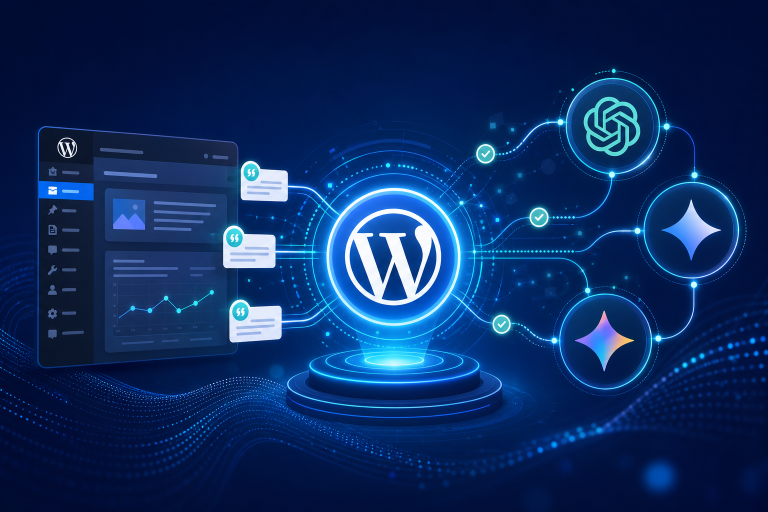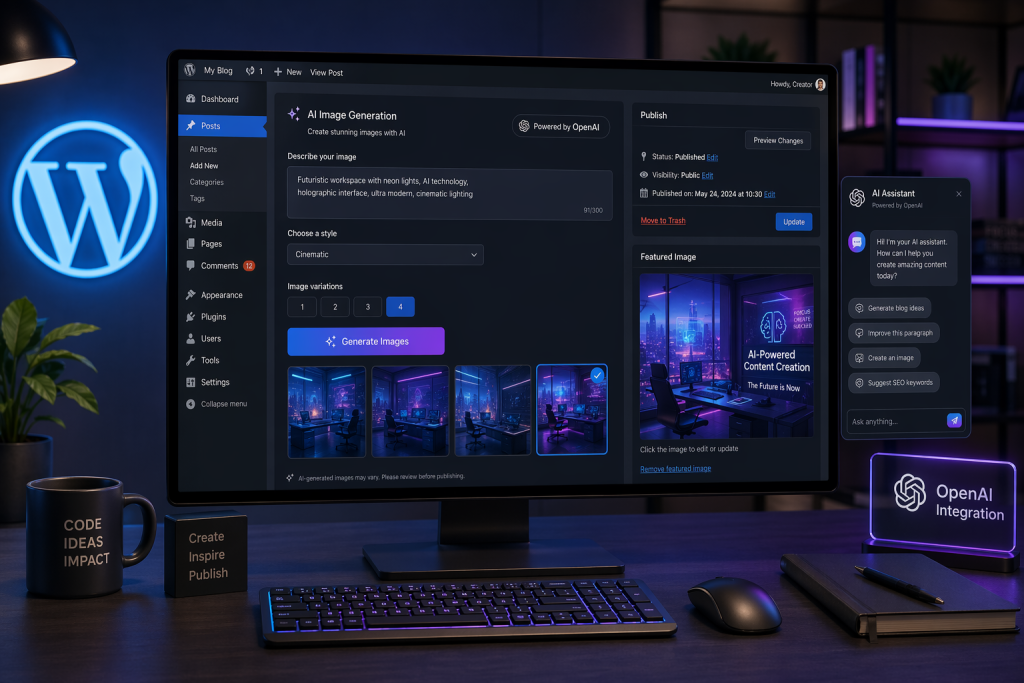
Two days ago, OpenAI released gpt-image-2 — their most capable image generation model to date. Today, PressBot Pro supports it. You can now use OpenAI models across the entire plugin: the public chatbot, the admin agent, and AI image generation for your WordPress site.
What GPT Images 2 Means for Featured Images
If you’ve used AI-generated featured images before, you know the pain points. Text that looks like it was written by someone having a stroke. Compositions that ignore half your prompt. Faces that almost work but don’t. GPT Images 2 addresses these directly.
OpenAI claims approximately 99% accuracy in text rendering across languages and scripts. The model integrates O-series reasoning architecture, which means it plans composition and spatial relationships before generating pixels. In practice, this translates to images that follow complex prompts more reliably — important when you’re generating a featured image that needs to match a specific blog post topic.
Here’s what a typical workflow looks like inside PressBot Pro. You’re editing a post about WooCommerce security best practices. You open the admin agent and type:
“Generate a featured image for this post — show a shield icon protecting a shopping cart, dark background, minimal style, no text overlay”
PressBot’s generate_image tool now routes that request through gpt-image-2 instead of Gemini (if you’ve configured OpenAI as your image provider). The result comes back with better spatial reasoning, tighter adherence to your description, and cleaner details. If you want text in the image — a title overlay, a branded tagline — the model actually renders it legibly.
Bulk generation works the same way. The bulk_generate_images tool can create featured images for up to 20 posts at once, now powered by GPT Images 2 if that’s your configured provider.
DALL-E Is Going Away — This Matters Now
OpenAI is deprecating both DALL-E 2 and DALL-E 3 on May 12, 2026. If you’re using any WordPress plugin that relies on DALL-E for image generation, you have less than three weeks before it stops working. GPT Images 2 is the replacement, and PressBot Pro already supports it.
Your Organization Must Be Verified
This is the part people will trip over. gpt-image-2 is a protected model. You cannot access it through the OpenAI API with a standard account. Your organization needs to complete OpenAI’s Verified Organization process first.
Here’s what that requires:
- Go to platform.openai.com/settings/organization/general
- Click “Verify Organization”
- Submit a government-issued ID from a supported country
- Wait for approval (typically fast, but plan ahead)
One ID can only verify one organization every 90 days. If you manage multiple OpenAI accounts across client sites, factor that limitation into your planning. Without verification, any API call to gpt-image-2 will return an error — PressBot can’t override that restriction since it’s enforced on OpenAI’s side.
OpenAI for Your Chatbot and Admin Agent
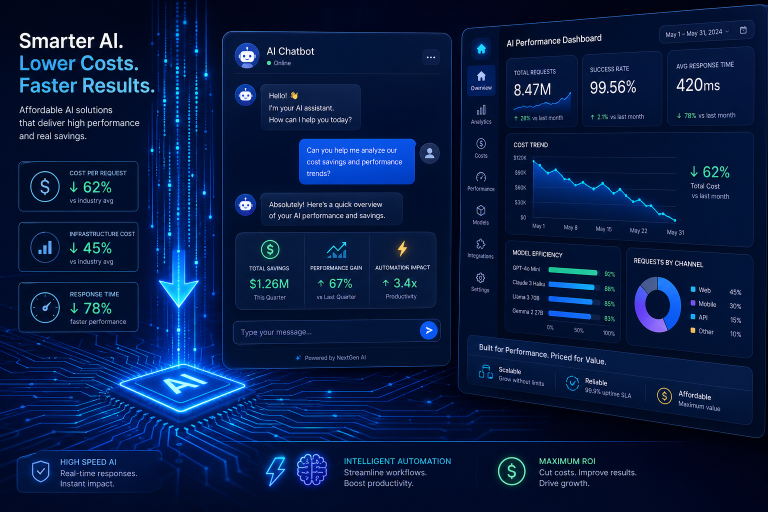
Image generation is the headline feature, but OpenAI support extends to the full plugin. You can now select GPT models as the AI provider for both the public-facing chatbot and the admin agent.
PressBot Pro’s per-agent model selection lets you mix providers. Some configurations that now make sense:
- Claude for the admin agent, OpenAI GPT for the public chatbot — Claude’s tool calling remains best-in-class for the 83-tool admin agent, while GPT handles visitor conversations
- OpenAI across the board — Run GPT models for both chat and image generation from a single API key
- Gemini for the chatbot (free tier), OpenAI for images — Keep visitor chat costs at zero, use GPT Images 2 for visual content
The BYOK model still applies. You bring your own OpenAI API key, PressBot charges nothing per message, and you pay OpenAI directly based on usage. This now gives you three supported providers: Anthropic Claude, Google Gemini, and OpenAI.
Setting It Up
If you already have PressBot Pro installed:
- Update to the latest version
- Go to PressBot → Settings
- Add your OpenAI API key (get one at platform.openai.com/api-keys)
- Select your preferred GPT model for the chatbot and/or admin agent
- For image generation with
gpt-image-2, verify your organization first
The setup wizard tests your connection automatically, same as it does with Claude and Gemini keys.
Three Providers, Your Choice
PressBot Pro now supports the three major AI providers — Claude, Gemini, and OpenAI — all through the same BYOK model. No vendor lock-in, no per-message fees from us, full control over which model powers which part of your site. With DALL-E’s deprecation three weeks out, having GPT Images 2 support ready now isn’t just convenient — it’s necessary.
Get PressBot Pro at pressbot.io and connect your OpenAI key today.