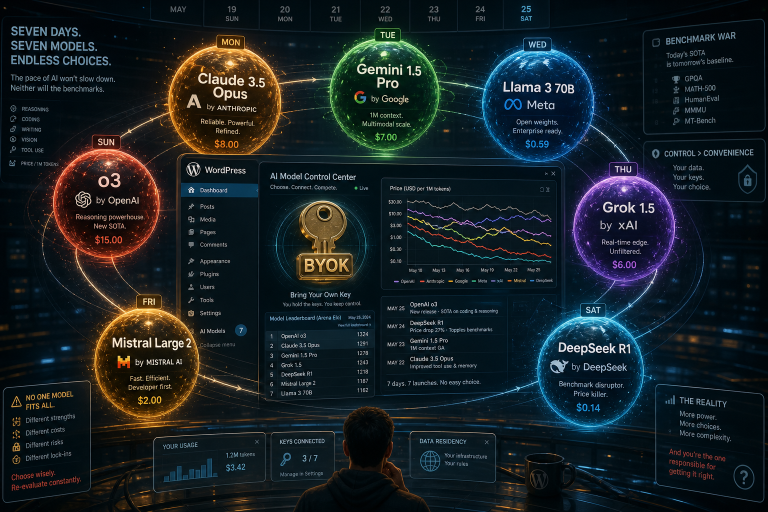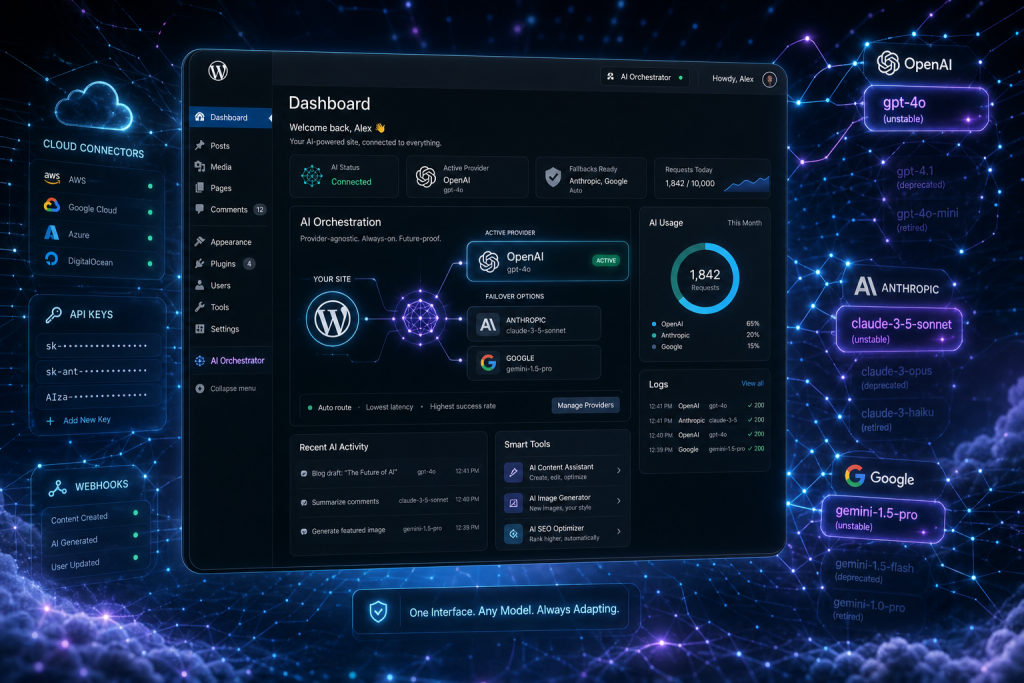
WordPress 7.0’s Connectors screen ships with three pre-registered AI providers: OpenAI, Anthropic, and Google. You enter your API keys once, and every compatible plugin on the site talks to those providers through a single, provider-agnostic WP AI Client. The plumbing is stable. The models behind those providers are anything but.
Gemini 3.5 Flash went GA on May 19, 2026. Gemini 3.5 Pro is expected next, designed to orchestrate Flash as a sub-agent. Claude Opus 4.8 dropped on May 28, just 41 days after Opus 4.7, and currently leads the benchmarks. Meanwhile, Gemini 2.5 Flash, 2.5 Pro, and 2.5 Flash Lite all hit end-of-life no earlier than October 16, 2026. That date was already extended from June. It may shift again, but when it lands, every workflow pinned to a 2.5 model breaks unless someone intervenes.
If you’re configuring WP 7.0 AI connectors right now, this tension matters. The abstraction layer WordPress built is the right call. BYOK is the right call. But the moment you hardcode a specific model name into a workflow, you’ve built on a calendar.
The Abstraction Layer Does Its Job
WordPress Core doesn’t bundle any AI provider directly. The providers are maintained as plugins, which means they iterate independently from the WordPress release cycle. The AI Client itself is an abstraction: it accepts prompts, routes them through whichever connector you’ve configured, and returns results through a consistent interface.
This is genuinely good architecture. It means WordPress doesn’t have to ship a point release every time Anthropic bumps a version number or Google retires a model tier. You swap keys or connectors in one place, and downstream plugins keep working.
But “downstream plugins keep working” has a caveat. If a plugin or workflow specifies gemini-2.5-flash by name, the abstraction layer can’t save you from a deprecation notice. The connector routes the request, but the model string is the plugin’s responsibility. And that string has a shelf life.
Forty-One Days Between Opus Versions
Consider the cadence. Anthropic released Claude Opus 4.8 forty-one days after Opus 4.7. That’s the fastest version cycle Anthropic has ever run. Opus 4.8 scored 1,890 on GDPval-AA, 137 points above its predecessor and 121 points ahead of the next-best model from any provider.
On the Google side, Gemini 3.5 Flash already outperforms Gemini 3.1 Pro on challenging benchmarks. The previous premium tier got surpassed by a new generation’s lightweight model. If you locked a content pipeline to “Gemini 2.5 Pro because it’s the best Gemini model,” that statement was true in March and is now a migration task with a deadline.
These aren’t hypotheticals. Teams that migrated to gemini-2.5-flash without abstracting model selection now face a second mandatory cutover by October. That’s two forced migrations in under five months. Organizations monitoring only product release notes instead of the Gemini API deprecation page risk missing the window entirely.
What This Looks Like in Practice
Say you run a content agency with twelve client sites on WordPress 7.0. You’ve configured the Connectors screen on each, entered your Anthropic key, and set up an AI-assisted editorial workflow that drafts posts and generates meta descriptions. You chose Claude Sonnet 4.6 because it balances speed and quality for agent work.
Six weeks from now, Anthropic ships Sonnet 4.7 or 5.0. Your current model still works, but the new one is measurably better at structured output. Do you update twelve sites manually? Do you open each workflow config, find the model string, test the replacement, and roll it out?
Or do you choose the provider once, and let a layer above the connector swap models as the best one changes?
That’s the decision WordPress 7.0’s architecture is nudging you toward, even if it doesn’t enforce it. The Connectors screen says: pick your provider, enter your key, done. It’s the plugin layer that decides whether you’re locked to a model name or free to move.
How We Handle This at PressBot
We built PressBot Pro with per-agent model selection specifically because of this problem. You can run Claude Sonnet on the admin agent and Gemini Flash on the public chatbot, or DeepSeek V4 Flash for the lowest-cost visitor-facing option. When a better model arrives, you change the selection in one dropdown. The agent’s tools, memory, knowledge base, and conversation history stay exactly where they are.
We’re planning our own migration from Gemini 2.5 to the 3.x tier right now. Our model list currently includes Gemini 2.5 Flash, 2.5 Flash Lite, and 2.5 Pro. With the October deprecation confirmed, we’ll roll 3.5 Flash into PressBot’s model selector well before that deadline, test it against our 99-tool agent surface, and update the defaults. Our users won’t need to re-architect anything. They’ll see a new option, pick it, and keep working.
That’s the whole point. The provider is the commitment. The model is a setting.
Configure for the Provider, Not the Model
If you’re setting up WordPress 7.0 AI connectors this month, here’s the practical takeaway:
- Use the Connectors screen to register your API keys for the providers you trust.
- Choose plugins that let you select models at the configuration level, not ones that bake a model name into their code.
- Watch deprecation timelines. Google’s October 2026 cutoff for Gemini 2.5 is real, and it won’t be the last one.
- Treat the “best model right now” as a temporary state, because Anthropic just proved it can ship a new leader in forty-one days.
WordPress 7.0 gave the ecosystem provider-agnostic plumbing. The next layer up needs to give you model-agnostic configuration. That’s what we built PressBot’s BYOK and per-agent model selection to do.
If you want AI on your WordPress site without rebuilding every time the leaderboard shifts, check out PressBot Pro and see how per-agent model selection works in practice.