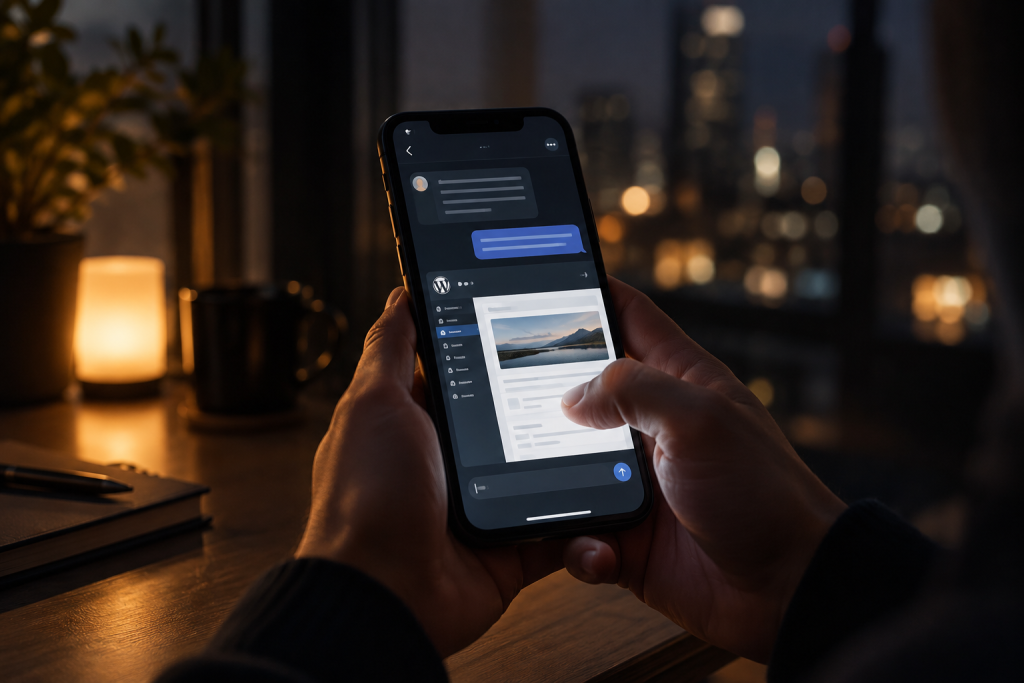
PressBot 1.8.8 went out last night, and the whole release happened from a phone. Merge the pull request, tag the version, let GitHub Actions build the zip and hand it to Freemius, push the new marketing copy live. No wp-admin, no laptop at the end of it.
The part worth sharing isn’t the release itself. It’s that the assistant driving it was Grok Bot, and there is no PressBot–Grok integration. Nobody wrote one. It worked because PressBot speaks MCP, and Grok Bot is an MCP client. Any WordPress admin using Grok Bot can set this up in a few minutes, so this post is mostly about how.
A quick note on what Grok Bot is
xAI launched Grok Bot on August 11, 2026. The idea is an AI teammate with its own computer: it can sign into tools, run routines on a schedule, and keep working after you close your laptop. It’s available on eligible SuperGrok and Cursor Pro+ plans, on desktop and iOS.
That last part is what makes it interesting for site owners. A lot of WordPress work is small, frequent, and happens at inconvenient times. Checking whether traffic dipped, getting a draft started, confirming a plugin update went through. Those are exactly the things you don’t want to open a laptop for.
How PressBot connects to it
PressBot MCP exposes all 112 of PressBot’s admin tools over the Model Context Protocol, which is the standard way AI assistants talk to outside systems. You enable it in PressBot’s settings, copy the server URL and key, and add it as an MCP server in Grok Bot. From there the assistant can read and act on your site the same way it reads anything else it’s connected to.
The useful thing about going through a protocol instead of a custom integration is that the work isn’t specific to Grok. The same server is what lets people run their sites from Claude Desktop, from Claude Code, from Cursor. When the next assistant launches, it works on day one, because there’s nothing on our side to update. We didn’t build for Grok Bot. Grok Bot just showed up and the door was already there.
If you already use PressBot with Telegram, this will feel familiar
PressBot has shipped a Telegram connection for a while now, and it solves a similar problem: your site, in your pocket, in plain language. Ask for yesterday’s traffic, approve a comment, get a draft going while you’re waiting somewhere.
The difference is what else the assistant can reach. Telegram gives it your site. In Grok Bot, PressBot sits next to every other tool you’ve connected, and they all share one conversation.
For last night’s release, the other tool was GitHub. That’s the only reason a phone was enough. The same thread went from reading the changelog draft on the site, to merging the pull request, to watching the Action build the zip and hand it to Freemius, to pushing the marketing copy live. Two separate systems, one conversation, no context switching and no laptop in the middle of it.
That’s the pattern worth looking for. If your WordPress work is really the middle of a longer workflow, with a repo or a deploy or a client’s inbox on either side of it, putting the site in the same place as the rest removes most of the friction. If your work starts and ends in WordPress, Telegram is still the faster door. They’re not competing; they’re different amounts of reach.
What this looks like day to day
The things people reach for most, once it’s connected:
- Search Console and GA4 questions, asked in plain language instead of through a dashboard
- Drafting posts and pages, with your Knowledge Base as the source material
- Checking plugin and update status, and catching anything that needs attention
- Moderating comments and handling the small admin chores that pile up
One thing we’d suggest keeping manual: publishing. PressBot can write a post and leave it as a draft, which is the right default. A draft written at midnight reads differently in the morning, and that gap is worth protecting. Same goes for anything that goes out to your visitors. Let the assistant do the work and keep the last click for yourself.
What’s new in 1.8.8
Three things landed in this release, and the full list is on the changelog:
Budget DeepSeek agent. PressBot is bring-your-own-key across Anthropic, OpenAI, Google and DeepSeek — a free WordPress chatbot with BYOK — and there’s no per-message fee from us. DeepSeek makes the cheap end genuinely cheap, which matters if you’re running routine site chores all day rather than occasional big tasks.
Knowledge dropzone. Drag files straight into your Knowledge Base instead of creating entries one at a time. If you’ve been meaning to give PressBot your brand guidelines, service descriptions or past posts to write from, this is the part that was in the way.
Session translate. On Conversations → Session Detail, translate a visitor transcript or generate a short admin summary. Handy when the chat came in in a language you don’t read.
Worth trying if you’re already there
If you have Grok Bot and a WordPress site, connecting the two is a short setup and the payoff is immediate. If you don’t, none of this is a prerequisite. PressBot runs from wp-admin like it always has — including the visitor WordPress chatbot — and Telegram covers most of the same ground from a phone.
The broader point is that this is where WordPress administration seems to be heading. Not one assistant, but whichever one you already have open, talking to your site through a protocol both ends agree on. PressBot Pro is $29 a year for a single site with all 112 tools, and MCP is part of it.