WordPress 7.0 ships next month with the Abilities API and an MCP Adapter baked into core. If you’ve been following the AI tooling space, you know what that means: your WordPress site is about to speak the same language as Claude Code, Cursor, and every other AI coding tool on the market.
But here’s the thing most people are missing — you don’t have to wait for WordPress 7.0. PressBot has had a working WordPress MCP server since this week.
What is MCP, and Why Should You Care?
MCP stands for Model Context Protocol. It’s an open standard — backed by Anthropic, adopted by OpenAI, Google, and Microsoft — that lets AI clients discover and execute tools on external systems. Think of it as a USB-C port for AI: one standard interface, any device.
When your WordPress site has an MCP server, AI tools like Claude Code or Cursor can connect to it directly. Not through a browser. Not through SSH. Through a clean, authenticated API that says “here are all the things I can do” and lets the AI call them.
The MCP ecosystem already has over 1,800 servers. WordPress joining that ecosystem isn’t a nice-to-have — it’s table stakes.
What WordPress Core Ships vs. What Plugins Can Do
Here’s where the conversation gets interesting. WordPress 7.0’s Abilities API is infrastructure, not product. Core ships with exactly two abilities: core/get-site-info and core/get-user-info. That’s it. Two read-only functions.
The Abilities API lets plugins register their own abilities — and the MCP Adapter exposes them to AI clients. But the actual functionality? That’s on plugins to build.
This is the REST API story all over again. WordPress 4.7 shipped the REST API in 2016. It didn’t replace WooCommerce or Yoast — it gave them a standard rail to build on. The Abilities API is the same pattern: WordPress provides the protocol, plugins provide the power.
PressBot: 77 Tools via MCP, Today
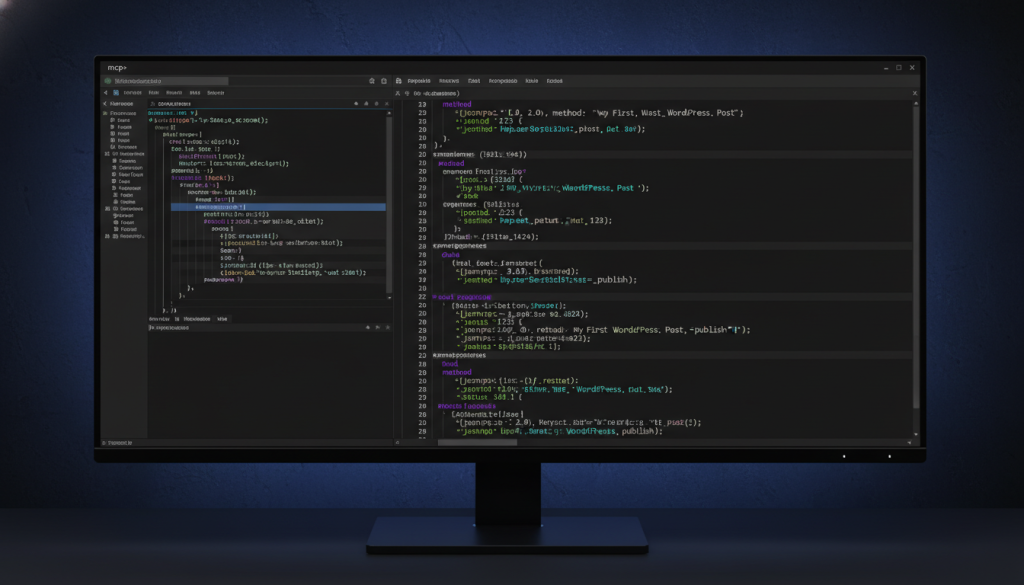
PressBot ships a built-in MCP server that exposes 77 admin tools across 20 categories. Content management, WooCommerce, plugin management, security audits, AI image generation, navigation menus, scheduled events, knowledge base — all accessible from your IDE via a single JSON-RPC endpoint.
The setup takes under five minutes:
- Toggle MCP on in PressBot Settings
- Generate a WordPress Application Password
- Paste the auto-generated config into Claude Code, Cursor, or Windsurf
No SSH. No custom API keys. No server configuration. If your site loads over HTTPS, MCP works.
What does that actually look like?
From Claude Code, you can say “run a security audit on my site” and PressBot executes its 12-point security check — SSL status, PHP version, debug mode, outdated plugins, admin username patterns, file editing, XML-RPC — and returns structured results. Then you say “update the outdated plugin” and it does.
From Cursor, you can ask “show me all draft posts” while you’re coding a theme, review them, and publish the ones that are ready — without switching to your browser.
For agencies managing multiple WordPress sites, you can add each site as a separate MCP server and manage all of them from one AI workspace.
Free vs. Pro: MCP Isn’t Locked Behind a Paywall
The free version of PressBot includes an MCP server with 8 read-only tools — site info, posts, plugins, comments, conversations, knowledge search, and booking availability. You can connect Claude Code to any WordPress site running the free plugin and query it immediately.
Pro unlocks the full 77 tools: content creation, plugin management, WooCommerce operations, security audits, AI image generation, bulk operations, and everything else.
Knowledge Base as MCP Resources
This is the part most WordPress MCP implementations miss. Tools are actions — but AI clients also need context. What does this site sell? What’s the return policy? What tone should blog posts use?
PressBot exposes your knowledge base entries as MCP resources. Before an AI client takes any action on your site, it can read your knowledge base to understand the context. The AI doesn’t just have tools — it has understanding.
Four Channels, One Toolset
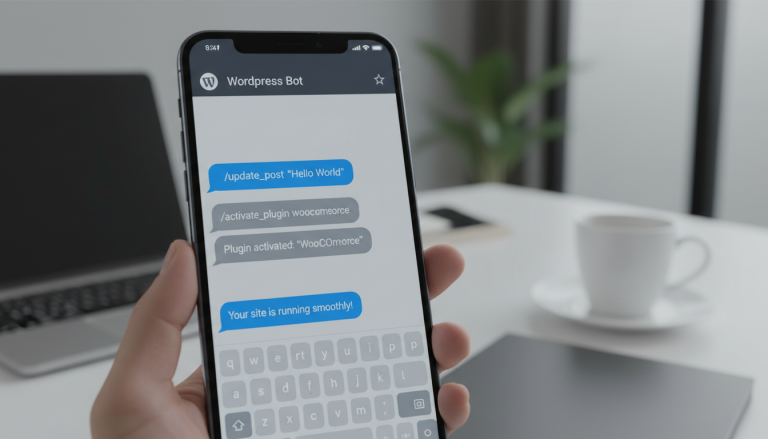
MCP is the fourth access channel for PressBot’s tools, alongside the WordPress dashboard agent, Telegram bot, and visitor chatbot. All four share the same execution pipeline, permission model, and safety guardrails. A security audit returns identical results whether you run it from Claude Code, Telegram, or the admin dashboard.
This is what “AI-native WordPress” actually means. Not a chatbot bolted onto a dashboard — a unified tool layer accessible from wherever you work.
What Comes Next
When WordPress 7.0 ships the Abilities API next month, PressBot will register its 77 tools as WordPress Abilities. That means any MCP client — not just ones configured with PressBot’s endpoint — can discover and use them through the standard WordPress MCP Adapter.
The protocol layer is converging. The question isn’t whether your WordPress site will speak MCP. It’s whether it’ll have anything worth saying when it does.
Learn more about PressBot MCP or get PressBot Pro to unlock all 77 tools.