Manage Your Store with AI
Your chatbot helps visitors find products. Your admin agent manages the store. Both powered by AI.
Product search is free. Store management is Pro. Bring Your Own API Key — no per-message fees.

Stop Clicking Through Dashboards
Managing a WooCommerce store means navigating endless menus. There’s a faster way.
“Orders tab, Orders tab, Orders tab”
Open WooCommerce, click Orders, scroll through pages, click into each one. Just to find that one pending order.
“Show me pending orders”
“How are sales this month?”
Navigate to Analytics, set the date range, compare periods, export a CSV… when you just wanted a quick number.
“How are sales this month?”
“Quick coupon for a customer”
Create coupon, set type, set amount, set limits, set expiry, copy code, send email. For a 10% discount.
“Create a 10% off coupon”
Your Chatbot Becomes a Shopping Assistant
Visitors can search products, browse categories, filter by price, and get direct purchase links — all through conversation with your chatbot. No Pro required.
Product Search
Visitors ask “What do you have under $50?” or “Show me items on sale” — the chatbot searches your catalog and responds with results and links.
“Do you have any running shoes?”
Product Details
Full descriptions, pricing, stock status, available sizes and colors — visitors get the info they need to buy without navigating your site.
“Tell me more about the Premium Hoodie”
Category Browsing
“What categories do you have?” — the chatbot lists your product categories so visitors can explore your store conversationally.
“What kinds of products do you sell?”
Auto-enabled when WooCommerce is active. The chatbot links directly to product pages so visitors can purchase.
Every Store Operation, One Conversation
Auto-available when WooCommerce is active. Zero setup.
Products
Browse & Search Products
Filter by name, status, category, stock level, or sale status.
“Show me products that are out of stock”
Product Details
Get full product info — prices, stock, description, categories.
“Show me product #42”
Create Products
Create new products with name, prices, description, SKU, stock, and categories.
“Create a product called Summer Tee at $29.99”
Update & Delete Products
ConfirmationModify any product field or move products to trash. Requires your approval.
“Set product #42 sale price to $19.99”
Orders
List & Filter Orders
Filter by status, customer, date range. Find any order instantly.
“Show me pending orders from this week”
Order Details
Full breakdown with line items, shipping, billing, and customer info.
“Show me order #1234”
Update Order Status
ConfirmationChange status to pending, processing, on-hold, completed, cancelled, or refunded. Requires your approval.
“Mark order #1234 as completed”
Analytics
Sales Analytics
Revenue, order counts, average order value, and top-selling products by any period.
“How are sales this month?”
Promotions
Create Coupons
ConfirmationDiscount codes with type, amount, usage limits, expiry dates, and minimum spend rules.
“Create a 15% off coupon valid for 3 days”
All WooCommerce tools are automatically available when WooCommerce is active. No extra setup needed.
See It In Action
Real examples of how store owners use PressBot to manage WooCommerce.
Running in 5 Minutes
Install PressBot Pro
Install the plugin on any WordPress + WooCommerce site. Upload and activate.
Connect Your API Key
Add your Anthropic or Google API key. Keys are AES-256 encrypted and never leave your server.
Talk to Your Store
Open the admin agent and ask about sales, products, or orders. That’s it.
WooCommerce tools activate automatically when WooCommerce is detected. No configuration needed.
WooCommerce is Just the Start
PressBot Pro comes with 77 tools total — WooCommerce management plus everything else your site needs.
Content
Create, edit, schedule, and publish posts and pages through conversation.
AI Images
Generate featured images, describe images with AI vision, bulk operations.
Plugins
Search, install, activate, update, and remove plugins through chat.
Security
12-point security audit, site health stats, environment info.
Menus
Manage navigation menus, categories, and tags.
Users
List users, moderate comments, approve and manage.
Settings
Options, theme customizer, cron scheduling, revisions.
Leads & Analytics
Capture visitor leads, track API usage, export data.
See It In Action
PressBot is powering real WordPress sites right now. Visit these sites and try the chatbot yourself — ask about their products, services, or what the site is about to see how PressBot adapts to different businesses.
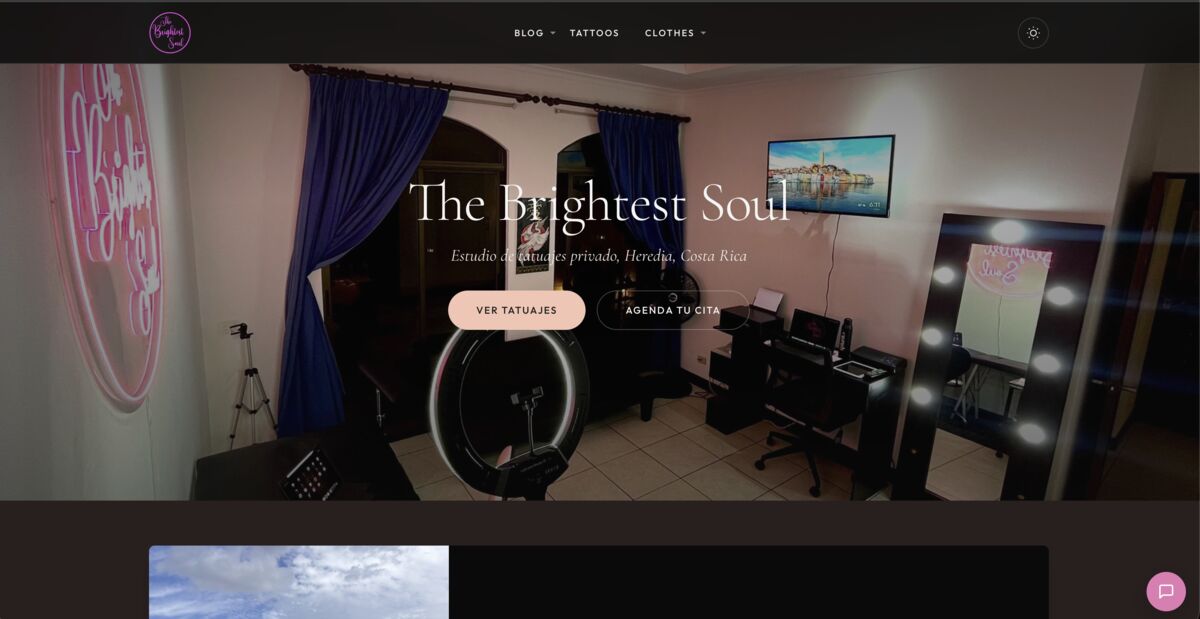
The Brightest Soul
Tattoo studio using PressBot for visitor support, appointment inquiries, and artist portfolio browsing.
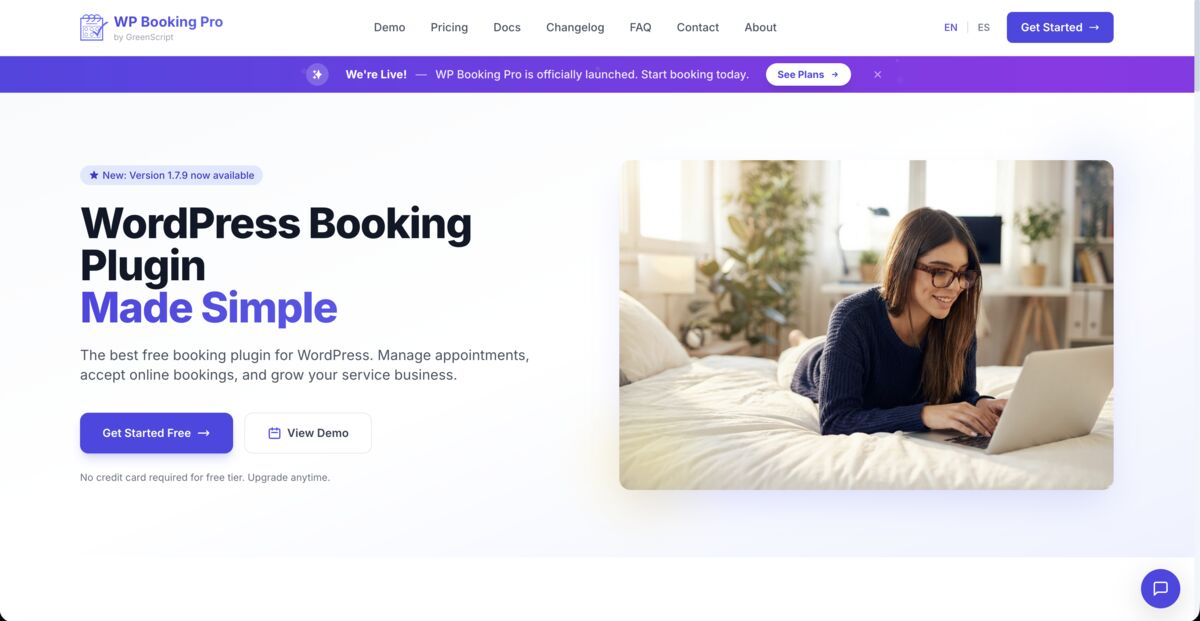
WP Booking Pro
WordPress booking plugin site using PressBot for product demos, feature explanations, and customer support.

Actively Developed. Updated Weekly.
PressBot gets better every week with new features, improvements, and fixes. Pro users receive automatic updates through Freemius.
View ChangelogChoose Your Plan
Product search is free. Admin tools are Pro. No per-message fees — use your own API keys.
Visitor chatbot only
- Visitor chatbot
- Product search & details
- Claude + Gemini
- Knowledge base
Everything in Free + store management
- 10 WooCommerce tools
- Admin Agent (77 tools)
- AI image generation
- Lead capture & export
- Analytics dashboard
- Priority support
14-day money-back guarantee
Same features, more sites
- All Pro features
- Up to 5 site activations
- Priority support
14-day money-back guarantee
Scale to all your clients
- All Pro features
- Up to 50 site activations
- Priority support
14-day money-back guarantee

14-Day Money-Back Guarantee
Risk-free. Try PressBot Pro for 14 days. Not satisfied? Full refund, no questions asked.
All plans use your own API keys from Anthropic or Google. You pay the AI providers directly for usage — PressBot never touches your API spend.
Common Questions
Products (including variable products and variations), orders, customers, coupons, categories, and store analytics. The AI can look up order status, search products, and provide real-time inventory information.
Yes. Visitors can ask the chatbot about their order using their order number or email. The AI retrieves real-time order details including status, tracking, and line items.
Yes. The AI understands product variations (size, color, etc.) and can recommend specific variants. It reads product descriptions, prices, stock levels, and attributes.
No. PressBot loads asynchronously and doesn't affect page load times. API calls to your AI provider happen server-side. The widget itself is under 40KB.
With Pro, the Admin Agent can update products, manage orders, generate coupons, check inventory, and analyze store performance — all from the admin panel or Telegram.
Ready to Manage Your Store with AI?
Free product search for visitors. 10 admin tools for you. All through conversation.