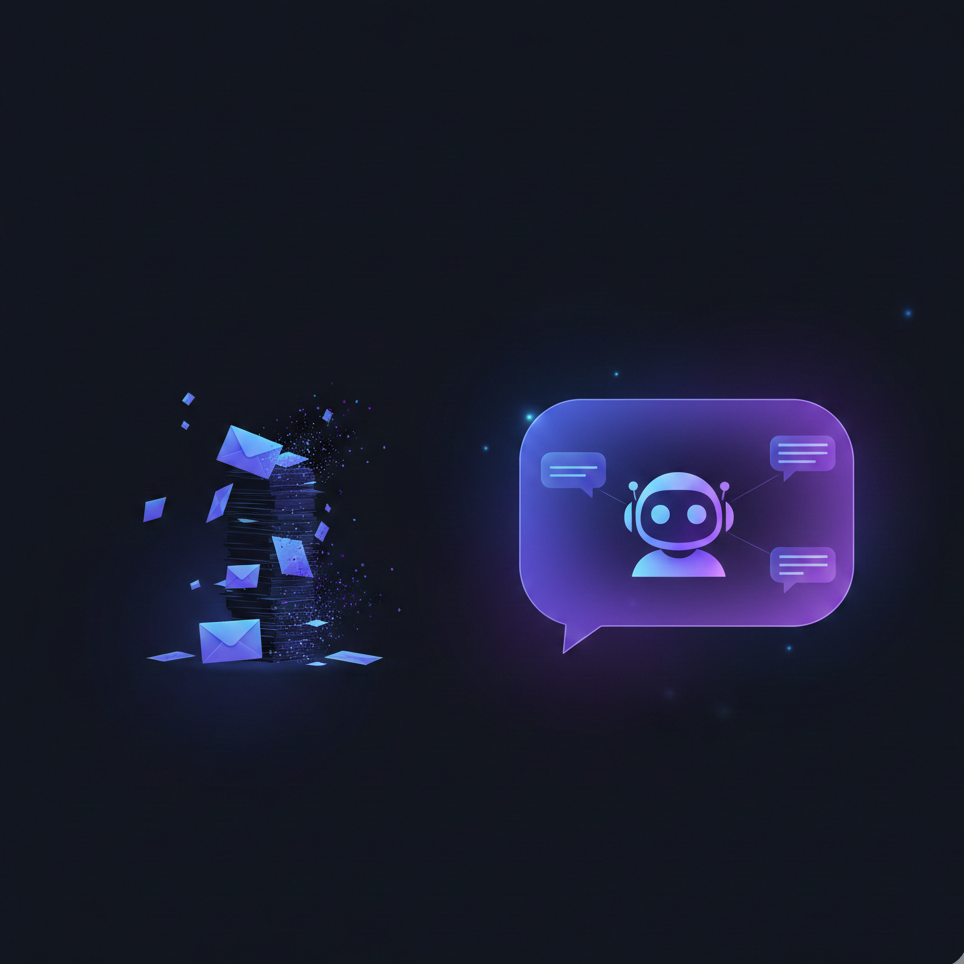
Repetitive support questions drain your team’s resources. Inquiries about business hours, password resets, and order status create a backlog that prevents agents from focusing on the complex issues that require a human touch. A WordPress chatbot directly addresses this by providing instant, automated answers to common questions.
Instead of customers waiting in a queue, they get immediate help. This guide outlines a practical, step-by-step process for implementing a chatbot to decrease your support ticket volume.
Step 1: Audit Your Support Inquiries
An effective chatbot is built on a foundation of data from your actual customer conversations. Begin by analyzing your existing support tickets to identify the most common question categories. Export your recent ticket history and group conversations by topic to see what your customers ask about most often.
This analysis reveals the specific, high-volume inquiries that are best suited for automation. Look for patterns in questions related to account management, product information, shipping, and basic troubleshooting. These are your starting points for building the chatbot’s knowledge base.
Step 2: Create a Knowledge Foundation
Once you identify your most frequent support topics, create detailed knowledge base articles for each one. Write these guides in plain language, use clear steps, and anticipate follow-up questions. For example, an article on your return policy should also explain how to start a return, the required condition of the items, and the expected processing time.
PressBot Pro simplifies this by letting you upload markdown files directly. Your AI assistant uses this information to provide accurate and consistent responses.
Essential Knowledge Base Categories
- Account Management: Password resets, profile updates, subscription changes
- Order Support: Tracking information, delivery timeframes, order modifications
- Product Information: Features, compatibility, pricing details
- Technical Troubleshooting: Common error solutions, setup instructions
- Policies: Returns, refunds, terms of service, privacy practices
Step 3: Configure Automated and Proactive Workflows
Configure your chatbot to own routine interactions completely. With a strong knowledge base, it can handle the majority of predictable inquiries without human intervention. When a customer asks how to cancel a subscription, the chatbot provides the steps, links to the correct page, and offers further assistance.
A great chatbot also anticipates user needs. Set it to appear proactively on pages where customers often have questions, such as checkout, pricing, or complex product pages. Use contextual triggers based on user behavior. If a visitor lingers on your pricing page, the chatbot can ask, “Do you have questions about our plans?” This proactive support solves problems before they become support tickets.
Step 4: Define Human Escalation Paths
Not every conversation can be resolved by a chatbot. Design clear escalation paths for situations that require human expertise. The chatbot should recognize the limits of its knowledge and transition the conversation smoothly to your support team.
Establish triggers for escalation based on keywords (e.g., “frustrated”), negative sentiment, or repeated unsuccessful questions. When a conversation is escalated, ensure the chatbot passes the full context to the agent. The agent should see the questions the customer already asked and the solutions the bot provided, preventing the customer from having to repeat themselves.
Step 5: Launch, Measure, and Refine
Begin with a focused implementation. Launch your chatbot with knowledge covering your top 10 most common support topics. This targeted approach allows you to make an immediate impact on your highest-volume inquiries.
After launch, track key metrics to measure performance. Monitor the number of conversations that are resolved automatically versus those that are escalated. Review escalated conversations weekly to identify knowledge gaps. If a specific question consistently requires human intervention, create a new knowledge base article to automate the answer in the future.
Expand your knowledge base over time based on these insights. This cycle of analysis and refinement continuously improves your chatbot’s effectiveness and further reduces your team’s manual workload.
Ready to reduce your support workload? Install PressBot Pro and start building your knowledge base with your most frequently asked questions. Your chatbot’s effectiveness depends on the quality of information you provide.