Why Claude Powers PressBot’s Admin Agent
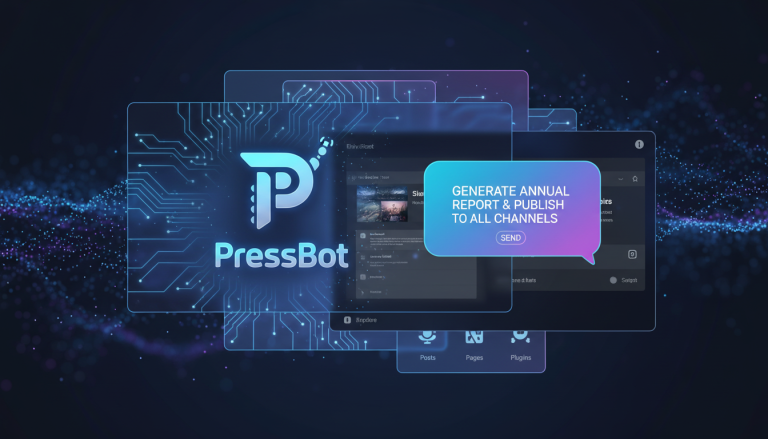
PressBot’s admin agent uses Claude to execute complex WordPress tasks through natural conversation. Claude excels at tool calling—the function that lets the agent understand your intent, plan a sequence of actions, and execute them reliably across PressBot’s 60 WordPress tools.
When you ask the agent to “generate featured images for all posts without one and add alt text,” Claude maps that request to the correct tools in the right order. This is critical because WordPress management involves interconnected tasks. Claude’s reasoning capability handles these dependencies better than other models.
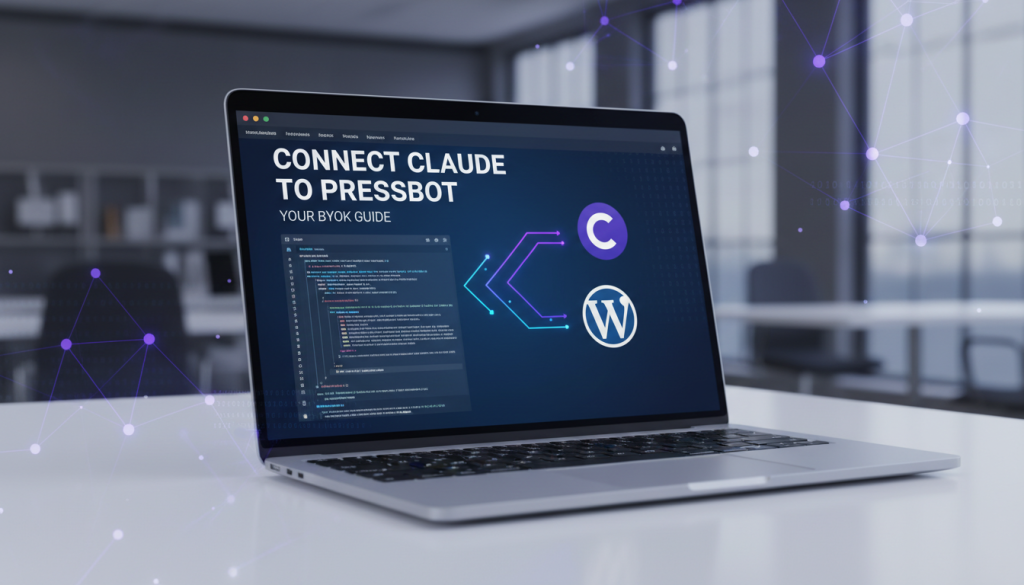
PressBot uses a BYOK (Bring Your Own Key) model, meaning you provide your own Anthropic API key. This design gives you direct control over your costs and keeps your data private. You pay Anthropic directly for what you use. For reference, 2024 launch pricing for Claude 3.5 Haiku was $0.25 per million input tokens and $1.25 per million output tokens.
Getting Your Anthropic API Key in 5 Steps
First, you’ll need an API key from Anthropic. The process takes about two minutes.
- Go to the Anthropic Console: Navigate to https://platform.claude.com/. This is the official dashboard for managing your account and keys.
- Sign In or Create an Account: If you don’t have an account, sign up with your email. Once logged in, you will land on the main console dashboard.
- Find the API Keys Section: In the left sidebar, click Settings, then select API Keys.
- Create and Copy Your Key: Click the “Create Key” button. Give your key a descriptive name (e.g., “PressBot Key”). Anthropic will generate a unique key starting with
sk-ant-. Copy this key immediately, as Anthropic will not show it again. - Add Billing Information: Your key will not work until you add a payment method in the Billing section. Anthropic has no setup fee; you are billed only for usage. You can also set spending limits to cap monthly costs.
Connecting Your Key to PressBot
Once you have your API key, integrating it is simple:
- Navigate to PressBot > Getting Started in your WordPress admin.
- The setup wizard will prompt you to choose an AI provider. Select Anthropic Claude.
- Paste your API key into the field and click Test Connection.
- PressBot validates the key and encrypts it in your database for storage.
- Choose your Claude model (we recommend Claude 4.5 Sonnet for most admin tasks).
The agent is now active on every page of your WordPress admin panel.
Example: A Content Refresh Workflow
Here’s how BYOK and Claude work together in a real scenario. Imagine you want to refresh your site’s older content.
You ask the agent: “Find all posts from 2025 without featured images, generate one for each, and add alt text automatically.”
Claude’s workflow:
- Calls the
bulk_update_poststool with filters: status = “publish”, date range = Jan–Dec 2025, featured image = empty. - Receives a list of posts matching the filters.
- For each post, calls the
generate_imagetool (using the best model for the job, orchestrated by Claude) with the post title as context. - Calls the
bulk_describe_imagestool to generate alt text for the new images. - Shows its progress in the chat: “Generating images… 3/12 complete.”
- After completion, it suggests a logical next step: “Would you like me to update the metadata for these posts?”
Your cost for this entire workflow is based directly on the tokens used by the models, which you can track in your Anthropic dashboard.
Why the BYOK Model is Better for You
The BYOK model aligns with PressBot’s core principle: you own your WordPress site, your content, and your data. Bundling API fees into our subscription would force you to pay a flat rate, regardless of your usage.
BYOK provides:
- Cost Control: You pay only for what you use. If you don’t use the agent for a month, you pay nothing to Anthropic.
- Privacy and Security: Your API key is stored encrypted in your own WordPress database. You control it and can revoke it anytime.
- Transparency: You see exactly what Anthropic charges in your billing dashboard, allowing you to optimize model selection for different tasks.
Choosing Your Claude Model in 2026
PressBot supports the latest Claude models. You can even set different models for your public-facing chatbot and your internal admin agent.
- Claude 3.5 Haiku: Fastest and most affordable. Use for high-volume tasks like customer support chats or simple content checks.
- Claude 4 Sonnet: A balanced model for general WordPress management, content generation, and moderation.
- Claude 4.5 Sonnet: The latest Sonnet version with improved performance for agentic workflows. Our recommendation for the admin agent.
- Claude 4.5 Opus: The most powerful model. Use for complex tasks like detailed content strategy, security audits, or nuanced editorial feedback.
Get Started Now
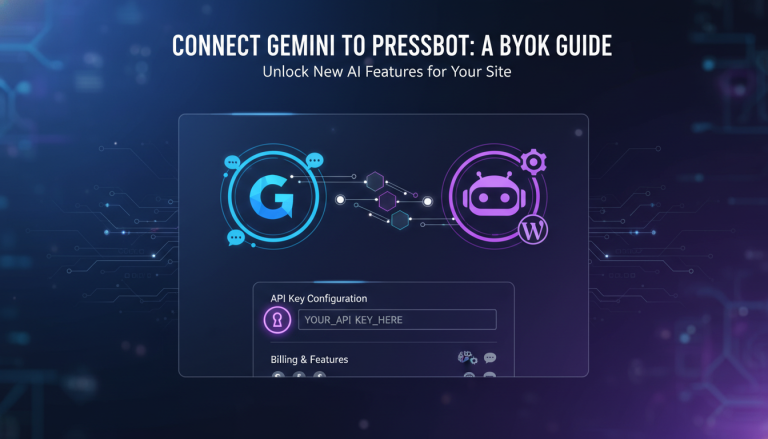
If you haven’t installed PressBot yet, download your copy from pressbot.io. The free version includes the public chatbot with BYOK support. You can also connect Google Gemini as an alternative provider. The Pro version unlocks the admin agent with all 60 tools.
After installation, the Getting Started wizard in your WordPress admin will guide you through connecting your Claude API key. You can start automating WordPress tasks with conversation in minutes.