Managing a WordPress site is a manual process of clicks, menus, and forms. To create a post, you navigate to Posts > Add New. To update a plugin, you go to Plugins > Installed Plugins. Each task requires knowing the interface and executing repetitive steps. AI changes this by introducing a new interface for WordPress: natural language.
Remaking the Admin Experience
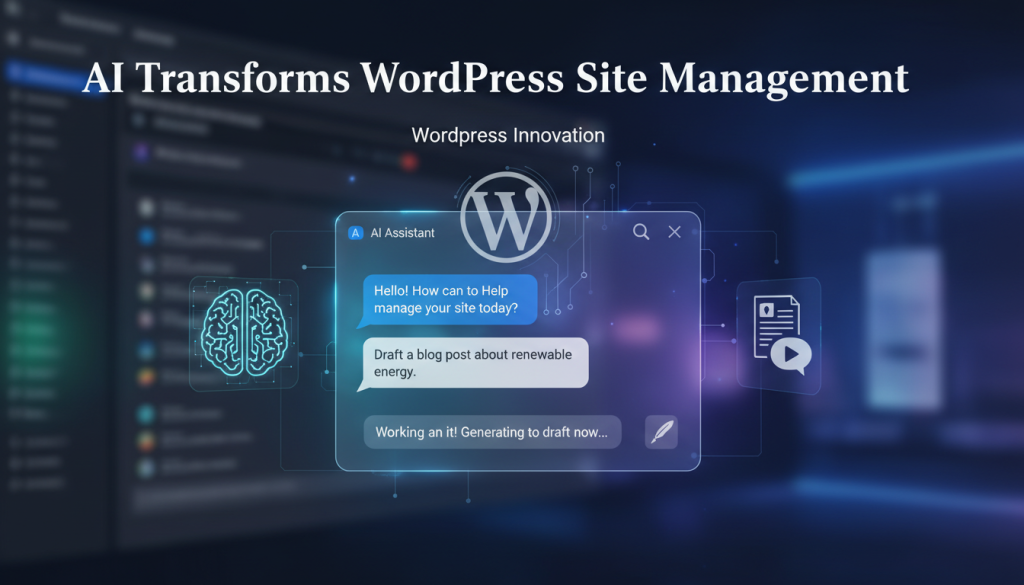
Instead of hunting through menus, you describe what you want to accomplish. AI-powered tools eliminate the navigational overhead by connecting your commands directly to WordPress functions. A request like “Show me all draft posts from this month” or “Create a new page for our privacy policy” bypasses the traditional admin panel. The AI handles the technical execution, letting you focus on strategy.
This conversational approach extends to content creation. Staring at a blank editor is replaced by a guided workflow. You can start with a prompt: “Draft a blog post explaining our new return policy for existing customers.” The AI uses your site’s knowledge base to generate a draft, suggest a title, and structure the content. You then refine it with follow-up instructions, such as “make the tone more friendly,” and publish when it’s ready.
Modern AI assistants also integrate real-time web search. When writing about industry trends, the AI can find recent statistics and verify facts without you leaving the WordPress editor. This keeps your content current and accurate while maintaining your creative flow.
Engaging Visitors Around the Clock
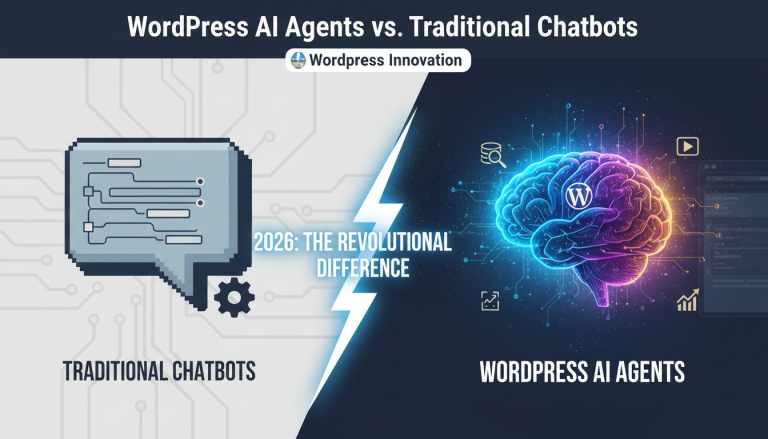
Beyond the admin panel, AI chatbots serve your site visitors 24/7. These bots train on your specific content—product details, support documents, and company policies—to provide accurate, branded answers. Unlike older keyword-based bots, modern AI understands conversational context and user intent. It provides relevant answers even when questions are phrased in unexpected ways, delivering a personalized support experience without human monitoring.
The Technical Foundation: Flexibility and Security
Effective AI integration allows you to choose the right model for the job. Different AI providers offer distinct advantages. For instance, Anthropic Claude excels at complex reasoning, making it ideal for precise admin actions. Google Gemini provides cost-effective performance suitable for high-volume visitor chats. A bring-your-own-key approach gives you direct control over costs, as you pay providers only for what you use with no added subscription fees.
This control extends to security. Your WordPress content and visitor data should remain yours. AI integration must prioritize data privacy through features like local conversation logging, encrypted API key storage, and configurable data retention. The AI processes information to generate a response, but ownership and privacy controls stay within your WordPress installation.
Getting Started with AI in WordPress
The best way to begin is by identifying a single, repetitive task in your workflow. Content updates, routine admin checks, and common visitor questions are excellent candidates for AI assistance. Start with one specific use case, such as setting up a visitor-facing chatbot for support inquiries or using the AI agent for content creation.
To see this in action, explore PressBot Pro’s natural language admin agent and visitor chatbot. The combination of conversational site management and automated visitor engagement demonstrates how AI transforms both the backend and frontend of your WordPress site.